


Creating an Alternative Cover — Dane Amar - Green Tea & Honey


I've recently been falling in love with graphic design, again. I used to dabble around in graphic design in middle school and high school but I never really took it seriously. It just happened to be the thing that I was doing for FUN. Weird for a young one? Maybe lol. I've been finding my way around Illustrator and diving back into the depths of Photoshop — which I haven't really touched in a minute — and I'm loving the emersion and creativity that's flowing through me right now. It's been a blast finding my roots again.
So why did I start getting back into creating art digitally? Kel Lauren, the YouTuber. Yeah. I know. First off — she's killer. Her artwork is unbelievable and her passion to create amazing design work is just as beautiful... if not more! Her work sells quickly, so if you fall in love, you gotta order PRONTO when she drops. Second off — her YouTube content is really dope. She does a whole segment on recreating logos for popular brands. It's a really great watch and has been inspiring me to even try this process as well.
I'm just trying to loop back to the fact that I created an alternative cover for my good friend (I call em family) Dane Amar's single Green Tea & Honey. The song recently hit ONE MILLION streams and I'm just so damn proud of him. He's seriously such a great role model when it comes to perseverance and determination. I look up to his work ethic and always strive to work towards his caliber when it comes to putting effort into my own crafts.
Anyways there's a quick tutorial on how I built this alt cover for Dane's single at the end of this blog post. It'll show you how to quickly create something like this.

I hope that you're all staying hydrated and safe.
I love you all.
xo,
xl
TUTORIAL BELOW
Step 1: Create a 2000x2000 300dpi canvas with an off-white color.
hex code: fbeabb

Step 2: I created unique shapes with obscure gradients.
This was done by brushes similar colors around the canvas within the same layer. After brushing I warped the image to create the unique shapes below.
warp tactic: cmd+T // right-click // warp
note: that these are multiple layers that created the layering effect.
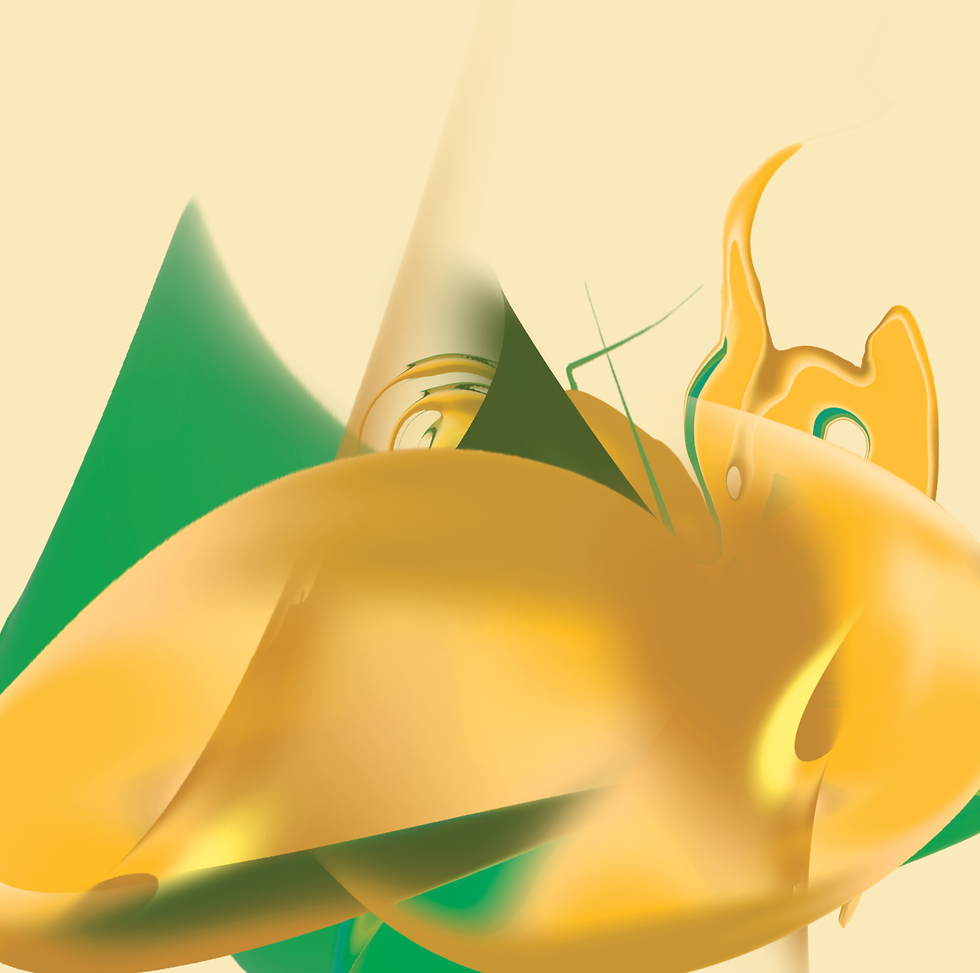
Step 3: I cropped the shapes to create a hard edged bottom to them.

Step 4: I copied the layer and used the dissolve transparency mode.

Step 5: I added the title of the song toward the middle with a slight tilt. This was to keep the same flowing energy throughout the piece.
note: the text has subtle gradients to add depth to the text.

Step 6: I created a bell shape outline to frame the image and the title text together.

Step 7: I added Dane's name and the featured artist, Jereena Montemayor.
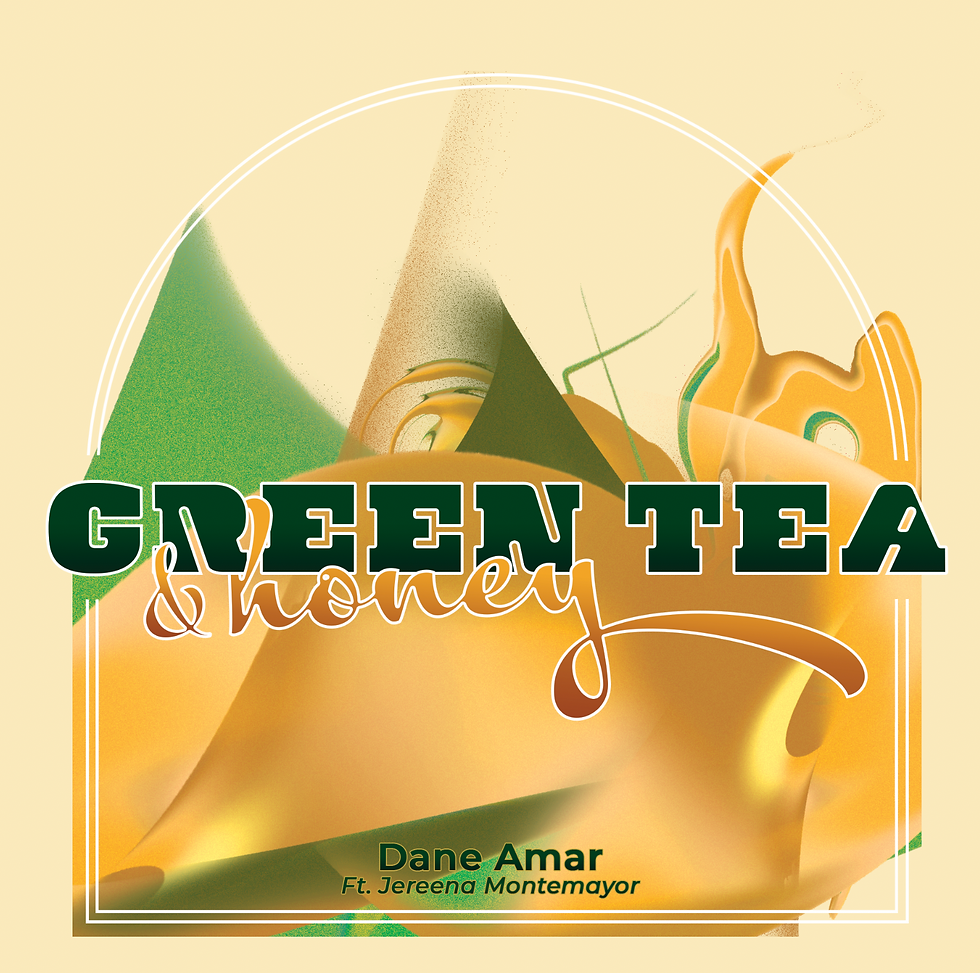
Step 8: I created a rising sun effect behind the final image and set it to the dissolve transparency.


Comments